
- Engineered · ready for tooling
- Reservations on Fund the Bay
- Generation 1
Build your whole grow and play with it.
A J-series tent with its real ports, the Lumen Rail made for it, EC Flow exhausts and intakes, EC Breezes and Flow Jets, and WaterWorks root zones on the floor with the station outside. Move anything, swap anything, switch anything off, then let it work out the best set-up for your tent and how you grow. Air, heat, light and plants, all in one model.
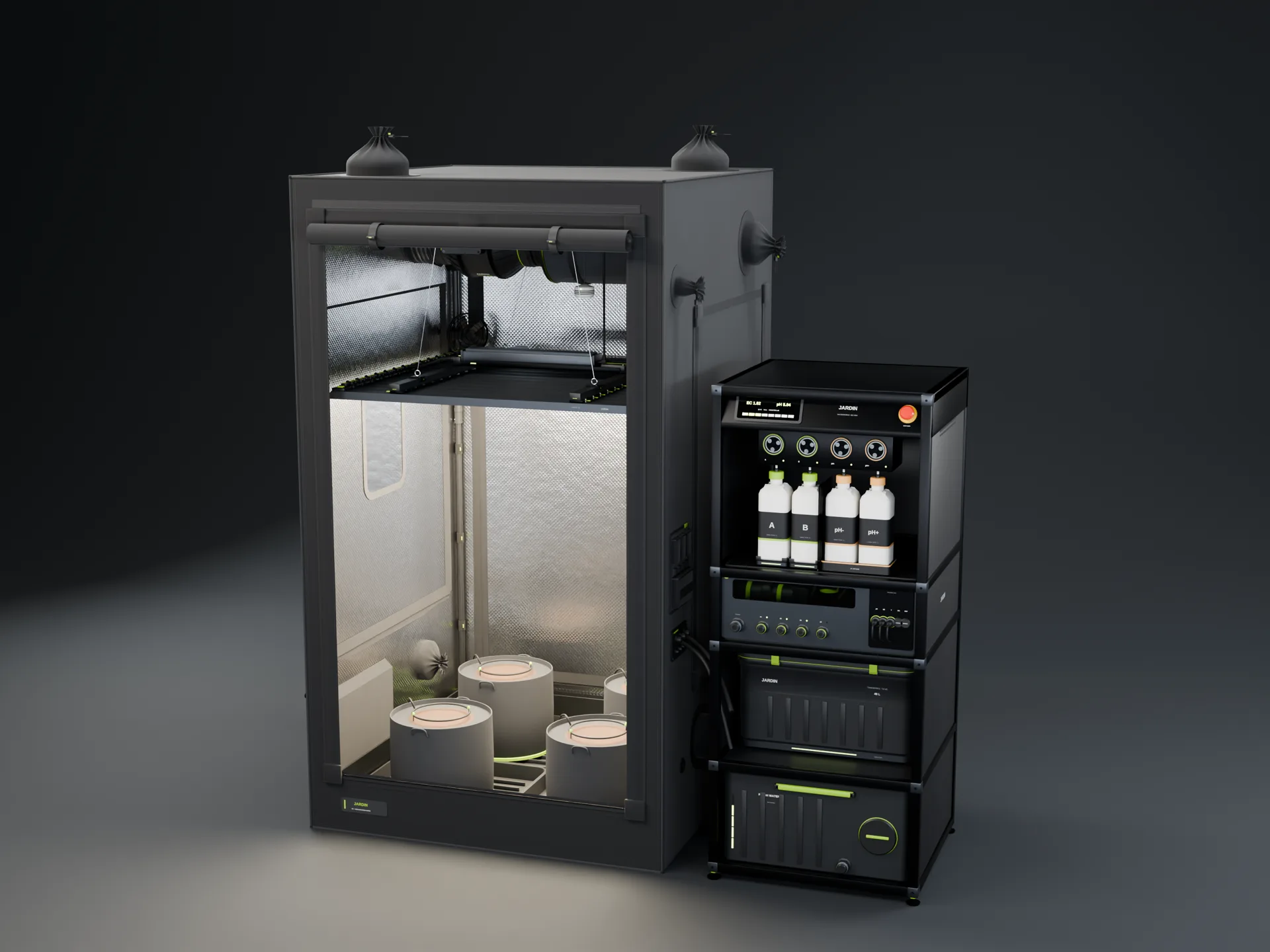 3D render · J44 kitted out
The builder is a simple model to compare set-ups, not a CFD or a heat-transfer simulation. Every figure is a design target Designed or worked from one Modelled.
See it work.
Short films made from the design files. Nothing here is a product photo; the hardware is in development after years of prototypes.
Pick every part. Watch it come together.
Choose the tent, the light, the air and the water, one step at a time. Each step shows the part and its numbers, and the 3D build below changes as you pick. We start you on what we'd fit to that tent.
Every figure is a design target or worked from one. Jardin has been prototyped for years; the production parts are built once tooling starts. Lights switch on and off through a listed smart plug and dim from their built-in chip.
Build the whole grow. Watch it work.
Everything at once: the J-series tent with its real ports, the Lumen Rail made for it, EC Flow exhausts and intakes, EC Breezes and Flow Jets, and WaterWorks root zones packed on the floor with the station outside the tent. Pick how you grow, then let it work out the best set-up, or add as many exhaust fans, intake fans, EC Breezes and Flow Jets as you like. Switch any of them off, change sizes, turn them down, swing them or hold them still, and open or close every vent. The canopy colours show how hard the air moves across it: purple is still air, green is the gentle movement plants like, orange is too much.
0 open vent area for the air the exhausts pull
Modelled: a coarse 3D sketch of the air, not a CFD simulation. The tent's inside is cut into cells of about 4 to 10 cm and the air and its heat are worked out together, step by step: each Breeze, Flow Jet or intake fan pushes the air at its outlet the way it points (and swings, if you set it to), the leaves slow the air in the top 35 cm of the canopy and the stems below it, warm air rises, and the air is kept from piling up or crossing the tent's walls. Each exhaust draws the air in over its whole carbon filter; open vents and spare ports share, by area, whatever the exhausts pull beyond the intake fans. Ports and vents are where the J-series tent model puts them. The read-outs, the maps and the best set-up come from a run of the same model settled over one full swing of the fans, so the same set-up always reads the same. Fan air, the temperatures, the humidity and the night read-outs come from the Jardin simulation engine: the tent as two stacked bodies of air with its fans, filters, vents, light and plants, all on estimated inputs (no Jardin hardware has been measured yet). The 3D picture of where the heat sits is scaled to its canopy-air and top-of-tent temperatures. "CFM the tent needs" is the exhaust flow that holds the canopy at the temperature you set (never under one air change a minute), from the same engine; our ventilation guide has the rules of thumb behind it. All fan figures are design targets. Lumen figures are the kits' first-pass calculations; the HPS and CMH lines are typical figures for comparison.
Everything you just built, as a kit.
This follows the builder above: change the tent or how you grow and the set changes with it. Every part opens in its own page.
A J44 with everything in it, every part named.
The same 3D scene that draws each product puts them together: Lumen Rail on its hangers, the EC Flow and Carbon Flow on the roof port, ports, the service column. Take the tour.
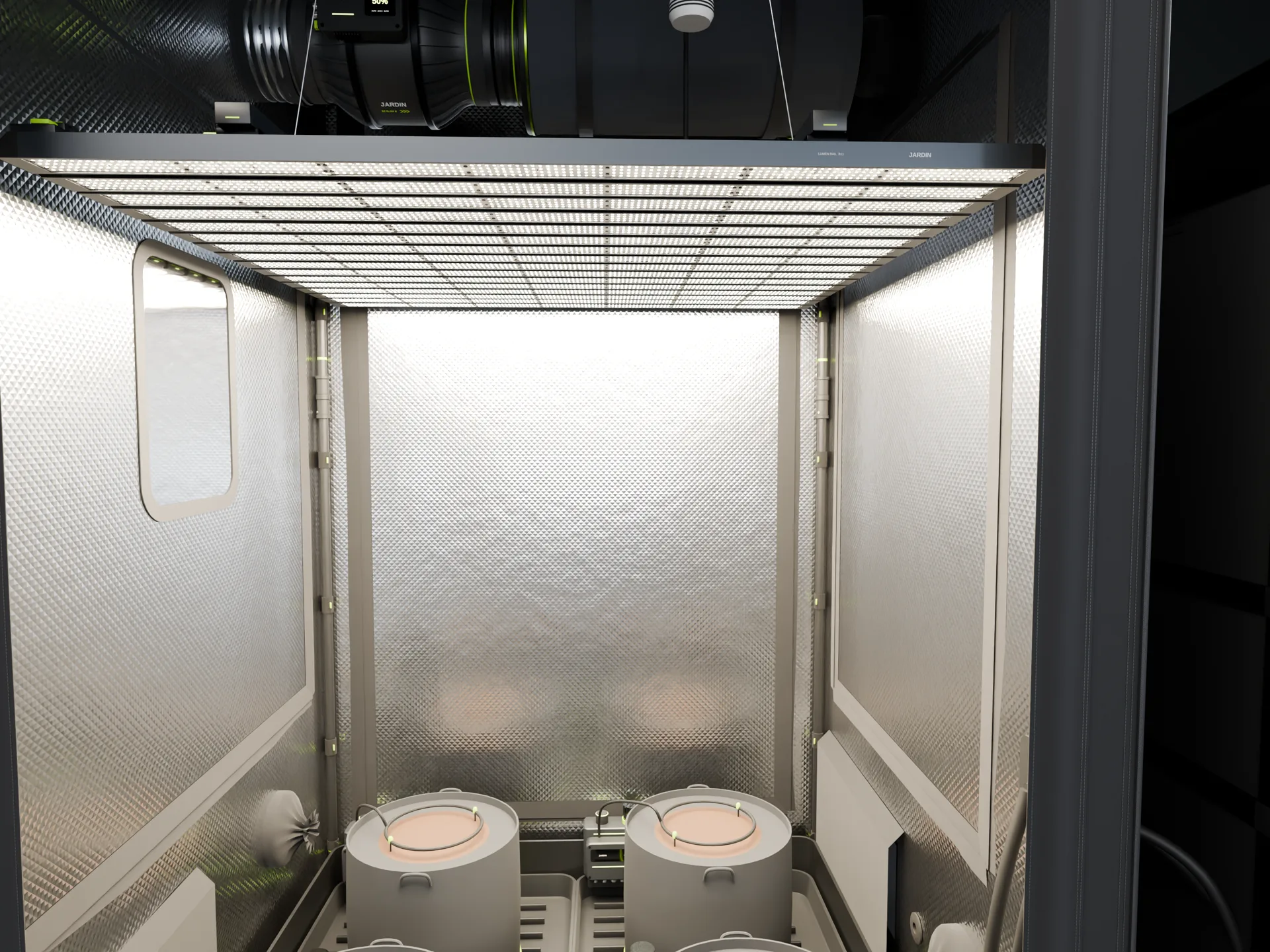
Help build the whole system.
Reserve on Fund the Bay with a refundable deposit, or join the waitlist to follow the build.